
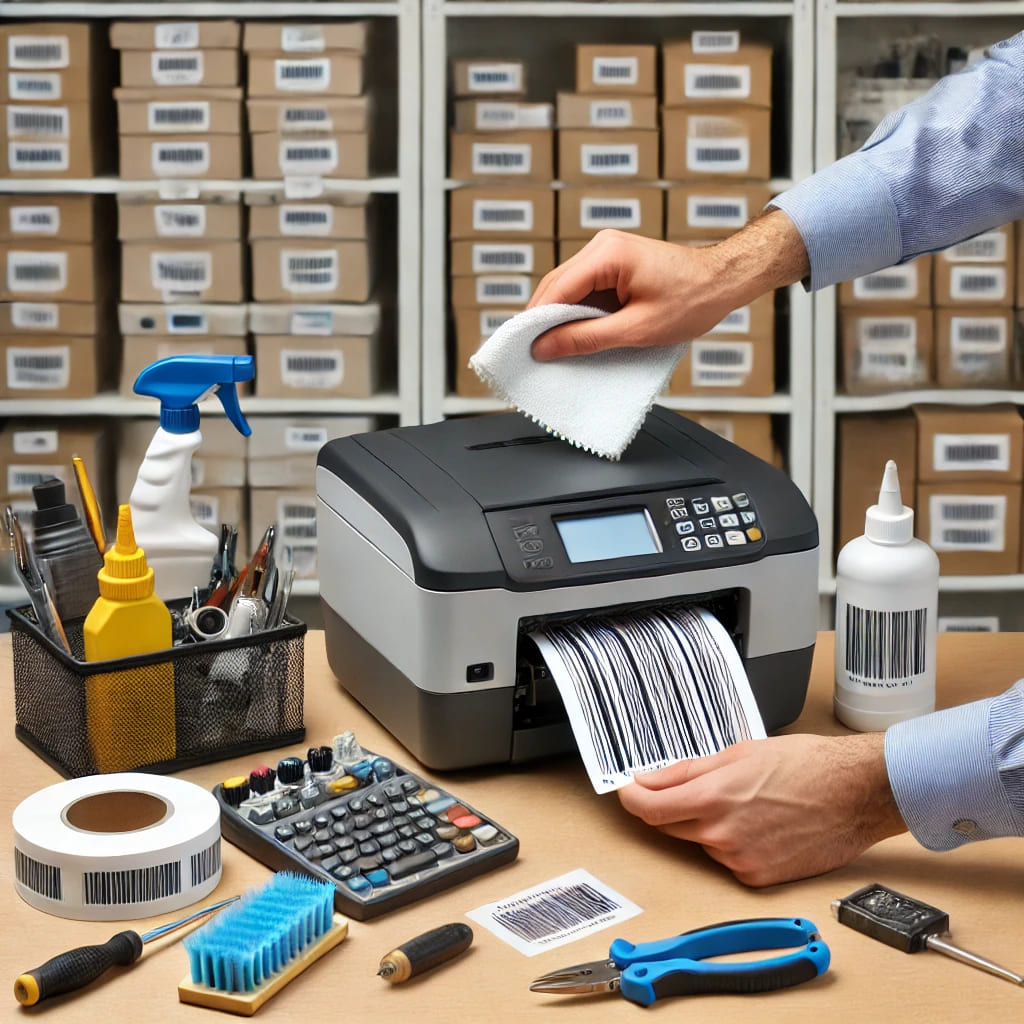
How to Maintain Your Barcode Printer for Longevity
Barcode printers are an essential tool for many organizations, and good maintenance can extend their life and guarantee that your prints remain clear and accurate. Regular maintenance can help you avoid costly downtime and repair costs. In this piece, we'll go over some important suggestions for maintaining your barcode printer.
Why Regular Maintenance Matters
Proper maintenance can extend your barcode printer's lifespan by 300-500% and reduce operational costs by up to 60%. Here's what regular maintenance achieves:
- Extends printer lifespan by 3-5 years
- Reduces repair costs by 40-60%
- Improves print quality and consistency
- Minimizes downtime and production delays
- Ensures accurate barcode scanning every time
Keep Your Printer Clean
Over time, dust, dirt, and adhesive residue can build up, leading to poor print quality and potential hardware issues. Follow these cleaning steps:
Safety First!
Always turn off and unplug your printer before cleaning. Use only manufacturer-recommended cleaning solutions and follow proper safety procedures.
Printhead Cleaning
Use a lint-free cloth and isopropyl alcohol (90% or higher) to gently wipe the printhead. Clean weekly for heavy usage or monthly for normal usage.
Use 90%+ isopropyl alcohol
Clean in one direction only
Never use abrasive materials
Dust and Debris Removal
Use compressed air or a soft brush to clean internal components. Regularly clean the exterior to prevent dust accumulation.
Use compressed air carefully
Clean vents and openings
Avoid moisture near electronics
Weekly Cleaning Checklist
Use High-Quality Printing Supplies
The quality of labels and ribbons directly affects printer performance and durability. Consider these factors:
-
Premium Labels and Ribbons
Low-quality materials can leave residue and accelerate component wear. Invest in manufacturer-recommended supplies for optimal performance and longevity. Quality materials prevent printhead damage and ensure consistent print quality.
-
Proper Storage
Store labels and ribbons in a cool, dry place to maintain adhesive quality and prevent deterioration. Avoid exposure to direct sunlight, moisture, or extreme temperatures which can compromise material integrity.
Inspect and Replace Worn Parts
Certain printer components experience wear and tear over time. Regular inspections can help prevent unexpected breakdowns.
-
Printhead
Check for signs of wear and clean it frequently. Look for scratches, discoloration, or uneven heating. Replace printheads every 1-3 years depending on usage volume.
-
Platen Roller
Look for cracks or uneven wear and replace if necessary. Worn rollers can cause label jams and inconsistent print quality. Inspect monthly for heavy usage.
-
Belts and Gears
Monitor these components for deterioration and replace them as needed. Check for proper tension and alignment quarterly to prevent mechanical failures.
Update Firmware and Software Regularly
Keeping your barcode printer's software up to date ensures smooth functionality and minimizes bugs.
-
Firmware Updates
Regularly check the manufacturer's website for the latest firmware releases. Updates often include performance improvements, bug fixes, and new features that enhance printer reliability.
-
Driver Installation
Ensure the latest drivers are correctly installed to prevent compatibility issues. Updated drivers optimize communication between your computer and printer, reducing print errors and improving speed.
Calibrate and Align for Accurate Printing
Proper calibration ensures consistent and precise label printing. Follow these steps:
-
Perform a Calibration Test
Most barcode printers have built-in calibration functions. Run calibration tests monthly or whenever you change label types to ensure optimal print alignment and quality.
-
Adjust Label Sensors
Ensure the printer correctly detects label size for accurate printing. Improper sensor settings can cause misalignment and wasted materials. Test with each new label batch.
-
Check Print Alignment
Prevent misaligned labels, which can lead to scanning errors and material wastage. Verify alignment after cleaning or maintenance procedures to maintain print accuracy.
Handle with Care
Taking simple precautions can significantly extend your barcode printer's lifespan.
-
Avoid Overloading
Do not overload the printer with excessive labels or ribbons. Follow manufacturer guidelines for maximum capacity to prevent mechanical strain and premature wear.
-
Secure Covers Properly
Ensure all lids and covers are tightly closed to prevent dust and debris from entering. Proper closure maintains optimal printing conditions and protects sensitive components.
-
Maintain a Stable Environment
Keep the printer in a temperature-controlled, low-humidity setting to avoid overheating or moisture damage. Ideal conditions are 60-80°F (15-27°C) with 40-60% humidity.
Recommended Maintenance Schedule
Follow this maintenance schedule to keep your barcode printer in optimal condition:
- Daily: Quick visual inspection and exterior cleaning
- Weekly: Printhead cleaning and label path inspection
- Monthly: Complete internal cleaning and calibration
- Quarterly: Parts inspection and firmware updates
- Annually: Professional servicing and preventive maintenance
Regular maintenance is key to ensuring the longevity and optimal performance of your barcode printer. By implementing these best practices, you can reduce downtime by up to 70%, minimize repair costs by 40-60%, and improve operational efficiency. Proper maintenance not only extends your printer's lifespan but also ensures consistent, high-quality prints that scan accurately every time.
Key Maintenance Benefits
Prioritize maintenance as part of your routine business operations to keep your barcode printer running smoothly for years to come. For professional maintenance services or replacement parts, contact our technical support team for expert assistance.
